Home/Spreadsheets/Budget & Net Worth/Bank Import Budget Spreadsheet
Bank Import Budget Spreadsheet
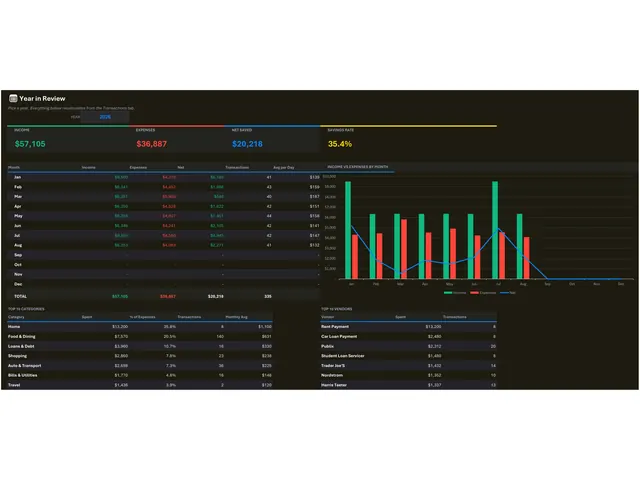
Paste a bank CSV and the dashboard, reports and net worth update themselves. It opens in Microsoft Excel and in Google Sheets, has no macros and nothing to install, and is yours to reuse as often as you like.
What you get
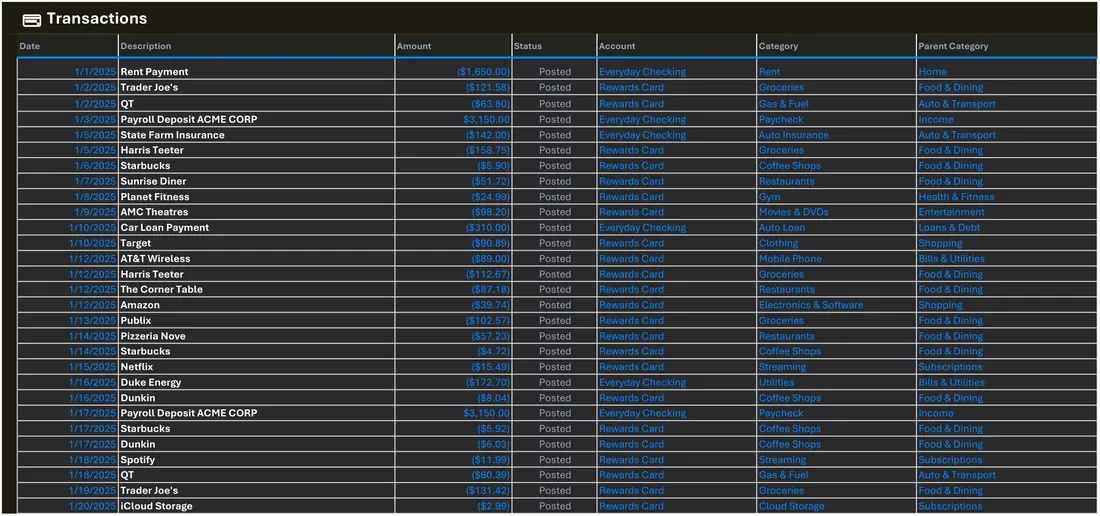
- Paste any bank or card CSV export straight in
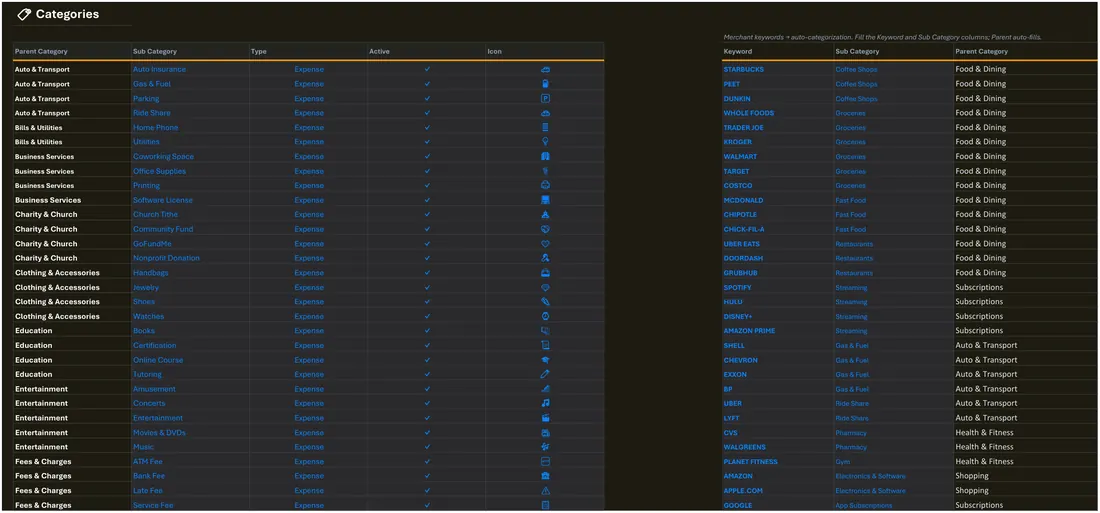
- Keyword mapper assigns categories automatically
- 26 parent and 93 sub categories, all editable
- Recurring charges found by amount consistency
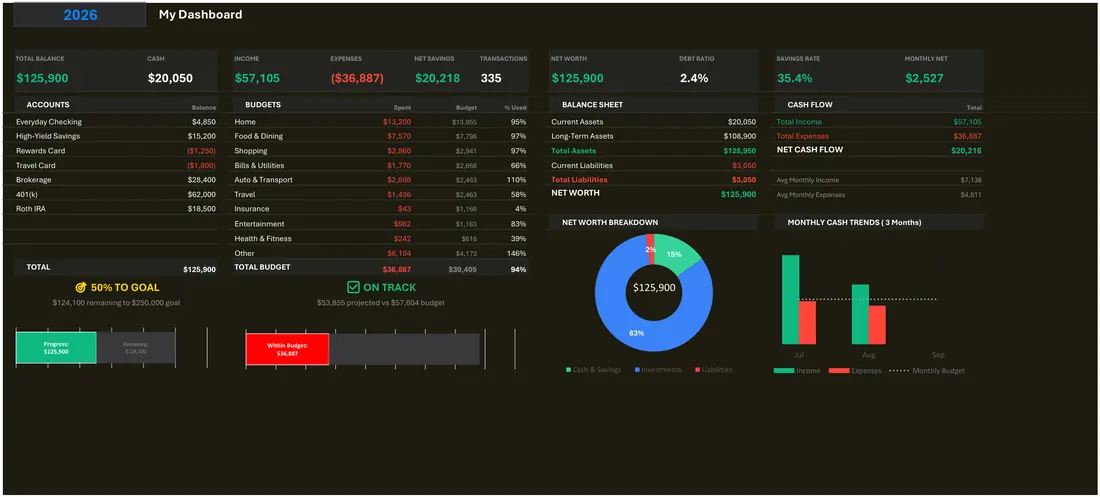
- Net worth across accounts, debt and investments
- Opens in Excel and in Google Sheets
$14.99one-time, no subscription
Buy on Etsy
Instant digital download · one-time purchase · no subscription
What it does
- Paste any bank or card CSV export straight in
- Keyword mapper assigns categories automatically
- 26 parent and 93 sub categories, all editable
- Recurring charges found by amount consistency
- Net worth across accounts, debt and investments
What it looks like
Every tab in the workbook
These are the actual sheet names in the file, not a feature list.
- Dashboard
- Transactions
- Categories
- Reports
- Year in Review
- Budget
- Accounts
- Setup
- Instructions
Works in
- Microsoft Excel 2016 or later, Windows and Mac
- Google Sheets — upload to Drive and open
- No macros, no add-ins, no subscription
Honest scope
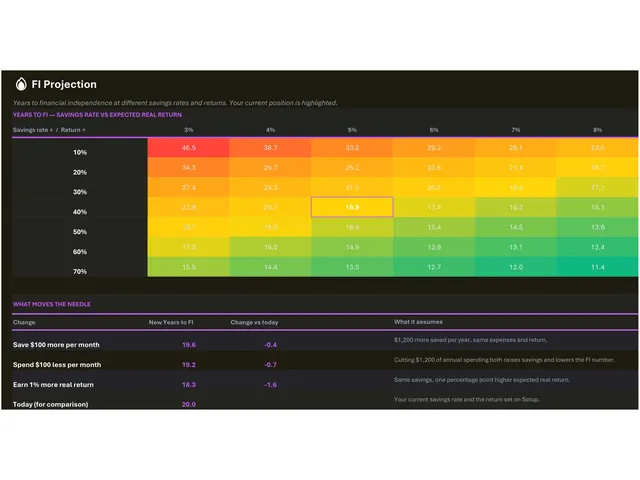
This is a personal planning template, not financial advice. It reports what you enter and projects it forward; it does not recommend what to do.