Home/Spreadsheets/Small Business Tools/Nonprofit and Sports Task Tracker
Nonprofit and Sports Task Tracker
Most task templates give you a list. This one names who is behind and by how much, with an on-time percentage per owner, and turns repeating obligations into an automatic next-due date. Accountability and recurrence are the two things a volunteer committee cannot hold in its head, and they are the product. It opens in Microsoft Excel and in Google Sheets, has no macros and nothing to install, and is yours to reuse as often as you like.
What you get
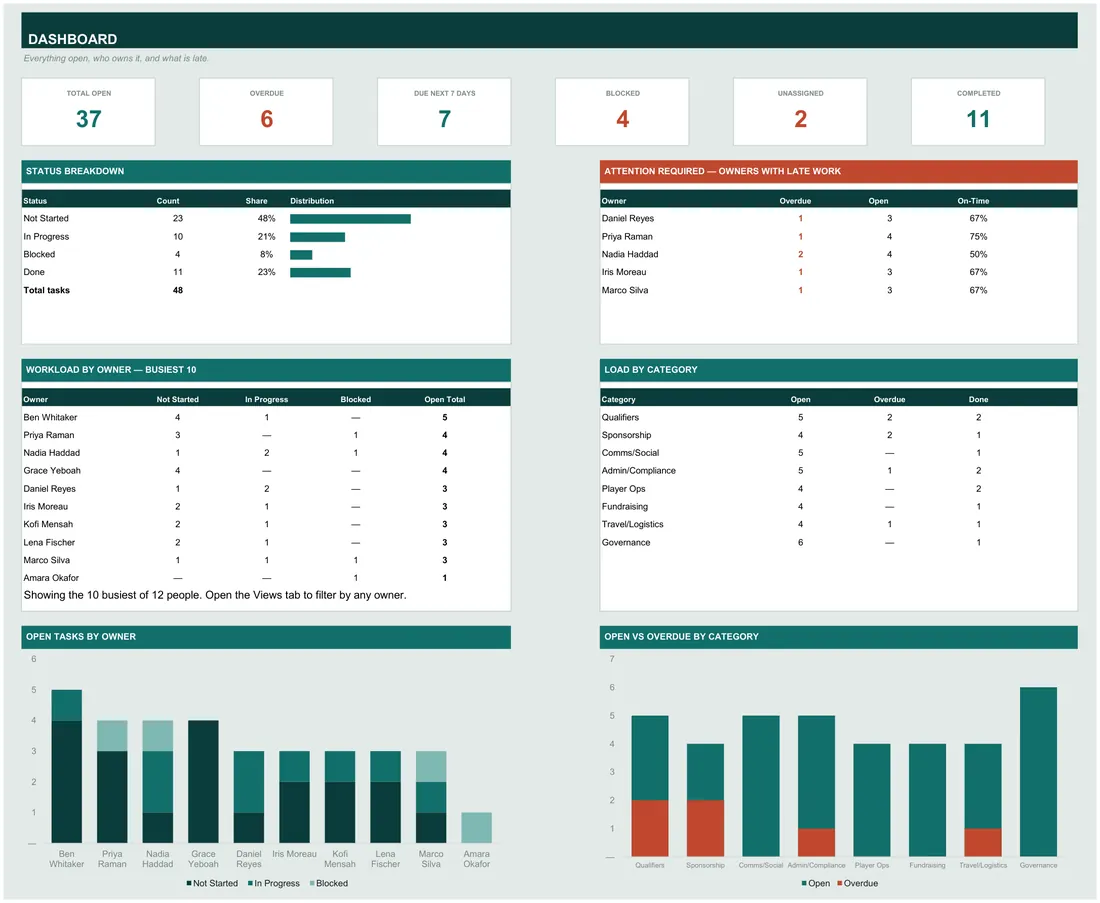
- An attention panel that names the owners with late work and gives each one an on-time percentage, so a chair can see who is behind without reading the whole list
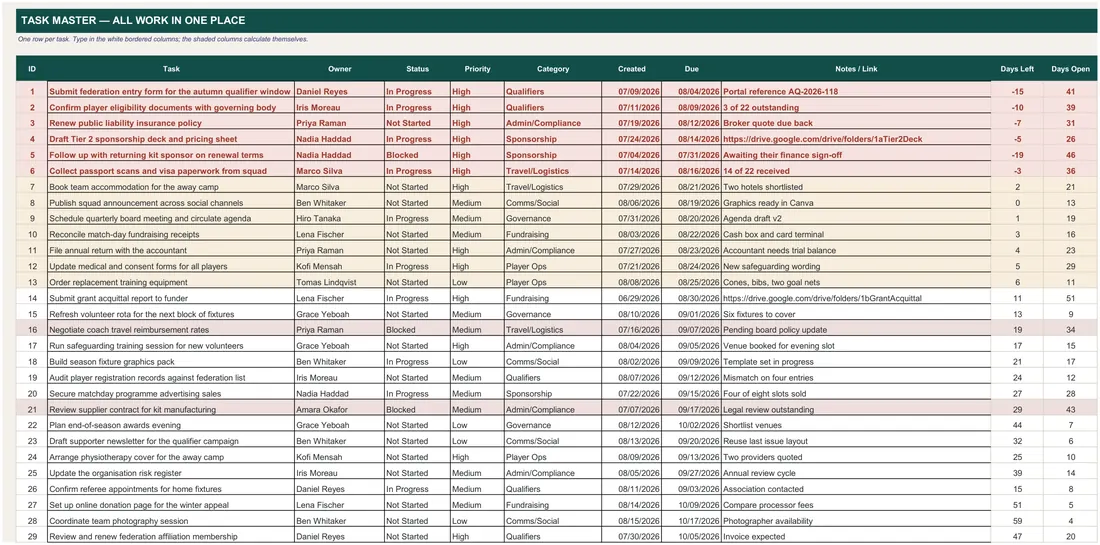
- One task row carries owner, status, priority, category, created date, due date, notes and a live days-left countdown
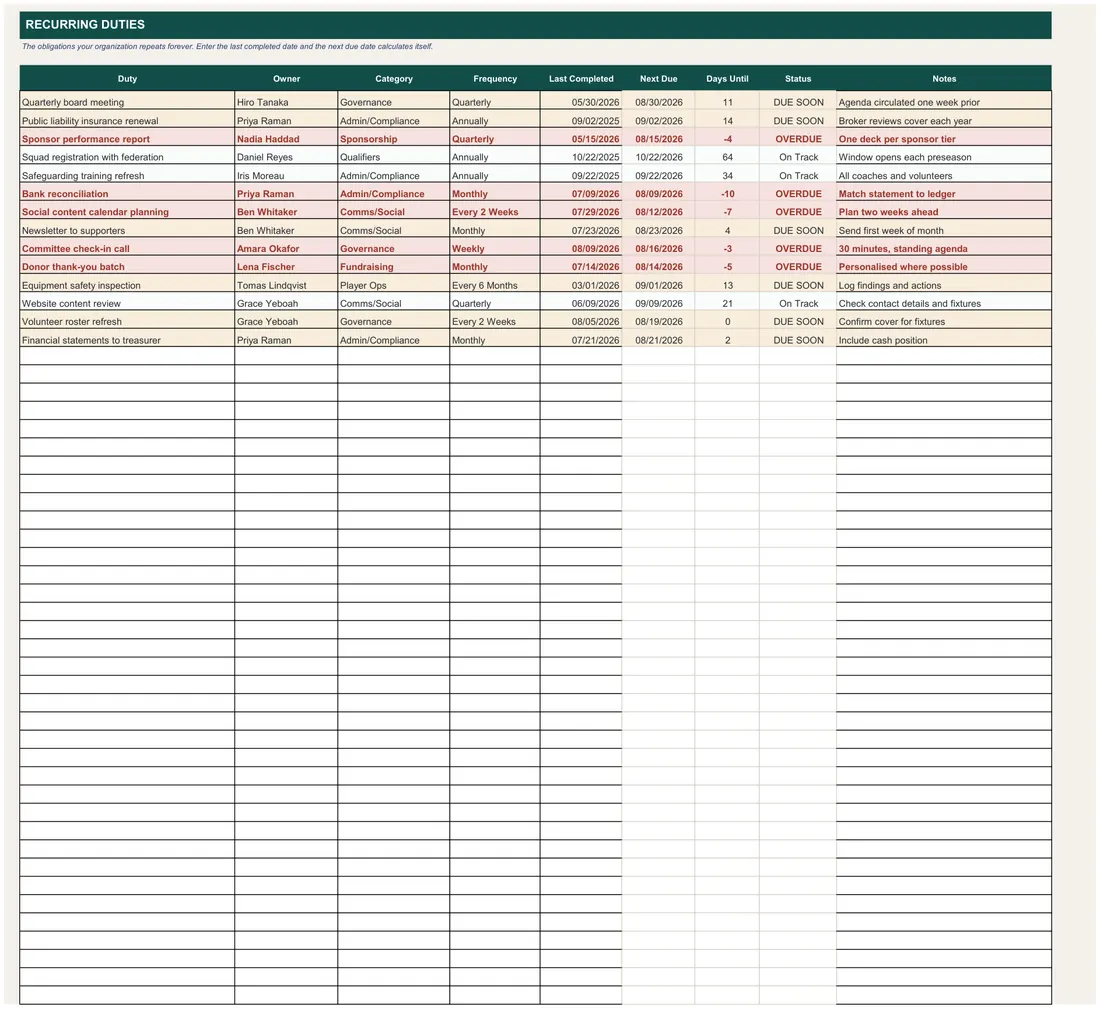
- Recurring Duties turns the obligations that repeat into a next-due date you enter once: put in the last completed date and the frequency, and it tells you when it is due again
- Key Dates holds the fixed milestones and flags each one as Open, Closing or Passed
- A month calendar of every due date, with the month, year and week start selectable
- Opens in Excel and in Google Sheets
Instant digital download · one-time purchase · no subscription
What it does
- An attention panel that names the owners with late work and gives each one an on-time percentage, so a chair can see who is behind without reading the whole list
- One task row carries owner, status, priority, category, created date, due date, notes and a live days-left countdown
- Recurring Duties turns the obligations that repeat into a next-due date you enter once: put in the last completed date and the frequency, and it tells you when it is due again
- Key Dates holds the fixed milestones and flags each one as Open, Closing or Passed
- A month calendar of every due date, with the month, year and week start selectable
- This Week prints a one-page list of what is overdue and what falls due in seven days
- Views filters the whole task list by owner, status, category or state without deleting anything
- Team Roster is the single source for the Owner dropdown, and shows each person's open and overdue counts
- Every dropdown — statuses, priorities, categories, frequencies — is edited on one Lists tab and changes everywhere
- Colour coding for overdue, blocked, due soon and done, applied automatically
- Room for 500 tasks, 40 people and 40 recurring duties
- Blank-when-blank throughout: an empty file reads as dashes, never as errors
What it looks like
Every tab in the workbook
These are the actual sheet names in the file, not a feature list.
- Dashboard
- Task Master
- Recurring Duties
- This Week
- Calendar
- Views
- Key Dates
- Team Roster
- Lists
Works in
- Microsoft Excel 2016 or later, Windows and Mac
- Google Sheets — upload to Drive and open
- No macros, no add-ins, no subscription
Honest scope
This is a planning and bookkeeping template, not tax or accounting advice. The numbers it reports are the numbers you enter.
Others in Small Business Tools
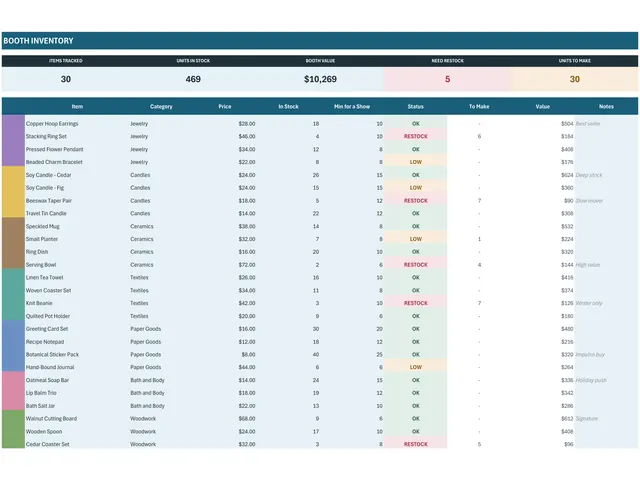
- Craft Show Vendor KitA craft show vendor kit that answers the only question that matters after a market…$10.99View →
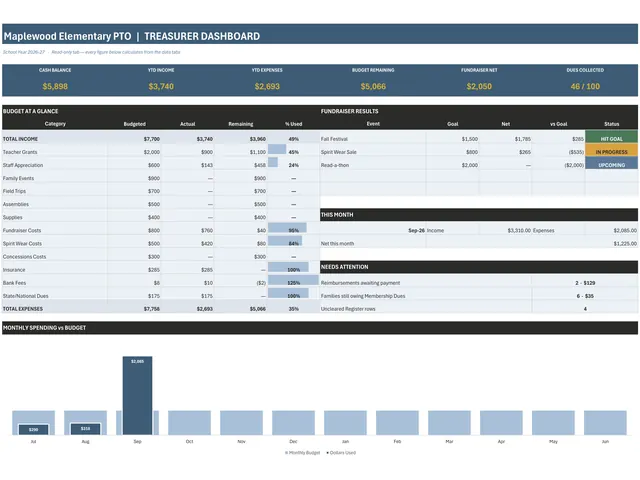
- PTA and PTO Treasurer SpreadsheetA treasurer's ledger for any parent group with a bank account: one register row per…$18.00View →
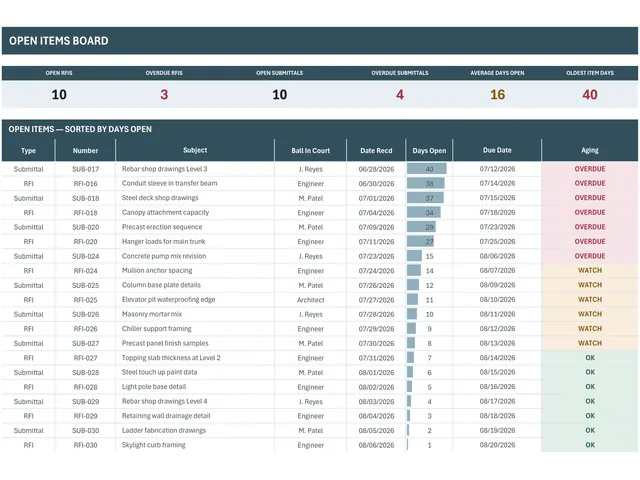
- RFI and Submittal LogAn RFI and submittal log for construction administration that ages every open item from…$16.99View →
- Home Inventory TrackerAfter a fire or a burglary the insurer asks for a list. People who have one get paid…$11.00View →