Home/Spreadsheets/HR & Employees/PTO Accrual Calculator for Hourly Employees
PTO Accrual Calculator for Hourly Employees
A PTO calculator for hourly employees: enter the hours each person worked every pay period and their paid time off accrues at your rate, stops at your balance cap and rolls into next year by your carryover rule. It opens in Microsoft Excel and in Google Sheets, has no macros and nothing to install, and is yours to reuse as often as you like.
What you get
- Accrue per hour worked or a fixed number of hours each pay period, with up to five tenure tiers
- Waiting period, balance cap, carryover cap and payout rule applied at each pay period end
- Hours Worked and PTO Used: one column per pay period, up to 53 a year
- Balances: every employee's balance after each pay period, plus hours lost to the cap
- Printable one-page PTO balance statement for any employee as of any pay period
- Opens in Excel and in Google Sheets
Instant digital download · one-time purchase · no subscription
What it does
- Accrue per hour worked or a fixed number of hours each pay period, with up to five tenure tiers
- Waiting period, balance cap, carryover cap and payout rule applied at each pay period end
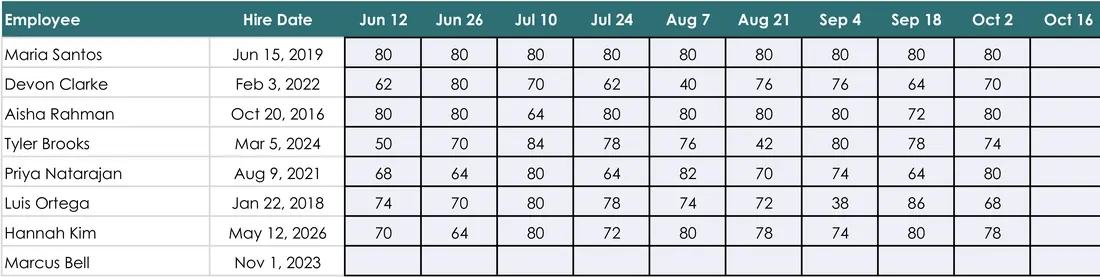
- Hours Worked and PTO Used: one column per pay period, up to 53 a year
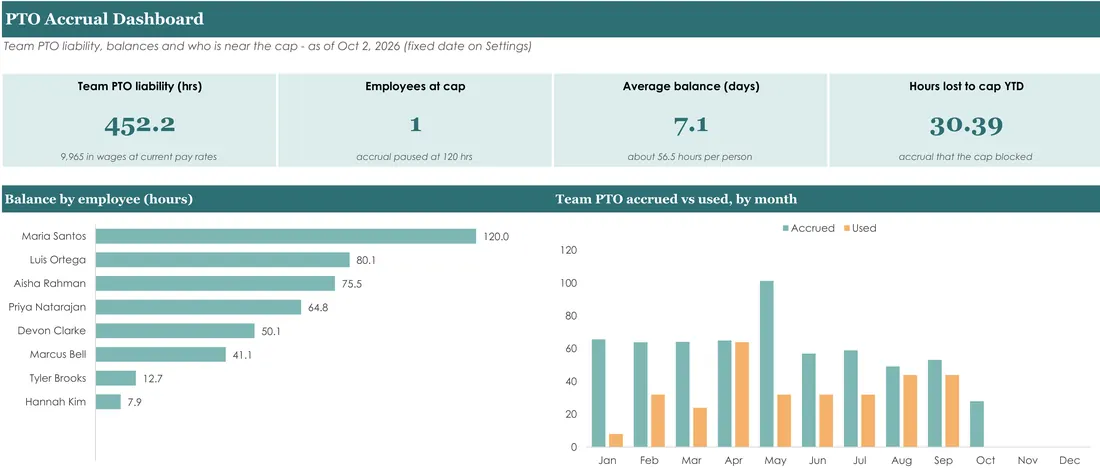
- Balances: every employee's balance after each pay period, plus hours lost to the cap
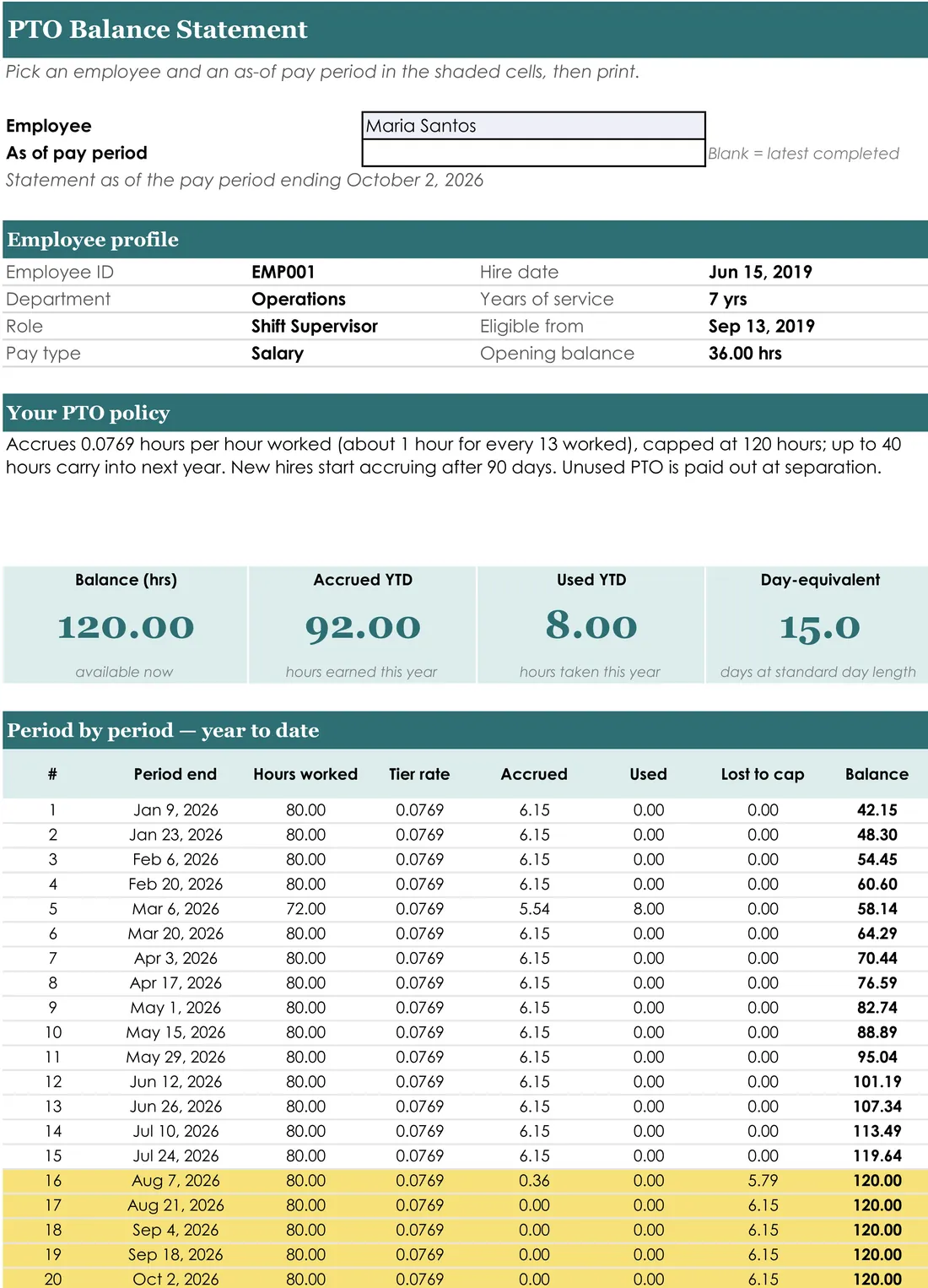
- Printable one-page PTO balance statement for any employee as of any pay period
- Works the same way for paid sick time, for example 1 hour for every 30 worked
What it looks like
Every tab in the workbook
These are the actual sheet names in the file, not a feature list.
- Dashboard
- Hours Worked
- Statement
Works in
- Microsoft Excel 2016 or later and Microsoft 365, Windows and Mac
- Google Sheets: the PDF in your download has the link that makes your own Google Sheets copy
- No macros, no add-ins, nothing to install; not built for Excel mobile or Apple Numbers
Honest scope
This is a record-keeping template, not legal or HR advice. Leave, overtime and pay rules vary by state and by employer policy; the file reports what you enter and does not decide what anyone is entitled to.
Others in HR & Employees
- Employee PTO TrackerAn employee PTO tracker for Excel: vacation, sick days and half-days for up to 200…$7.99View →
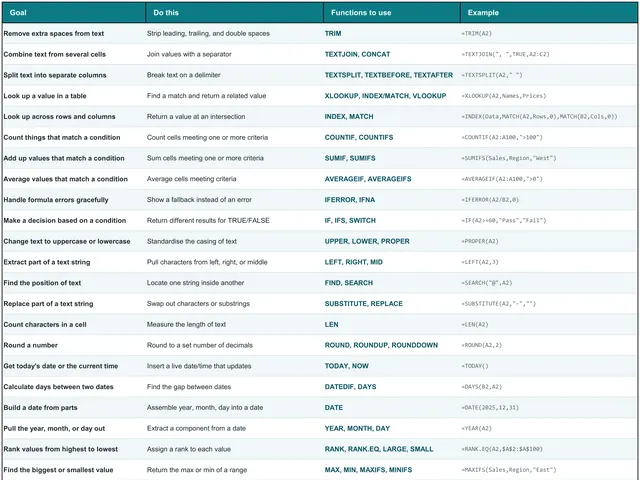
- Interactive Excel Formulas Cheat SheetAn Excel cheat sheet with 243 formulas and functions: a searchable workbook you can…$4.99View →
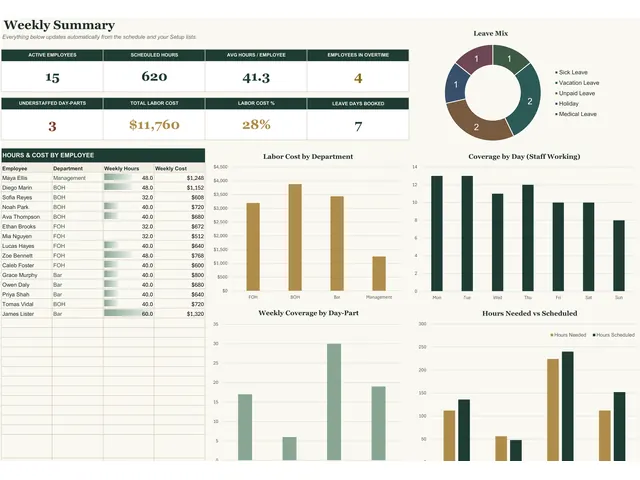
- Employee Schedule TemplateAn employee schedule template for small businesses: build the week's staff shifts from…$10.99View →
- Employee Leave TrackerAn employee leave tracker for small teams: set your PTO policy once, log each request…$17.99View →